 Quran Shield
quran app and app lock
Read before you scroll
Quran Shield puts the Quran on your phone — the Arabic text, checked word for word against its source, with a translation in your language — and a lock on the apps that take your time. When you reach for one of them, it opens after a few quiet minutes instead of a scroll.
coming soon to the app store and google play
The app isn't in the stores yet — coming soon.
The app lock is free. Pro adds offline recitation, memorisation tools and a personal plan.

Quran Shield
Take a quiet moment to unlock your apps.
How it works
- 1
Choose your apps
Instagram, TikTok, X — whatever takes your time. Quran Shield uses Apple's own Screen Time controls, so the lock holds even when you are the one trying to get around it.
- 2
Choose your times
Set the hours the lock is on: the morning, the evening, the hour you meant to sleep. When the window opens, the apps close.
- 3
Take a quiet moment
Reach for a locked app and it asks for a quiet moment first. Choose a few minutes — one, three, five or ten — and put the phone down; when the time is up, your apps come back. It is a pause, not a punishment.
A look inside
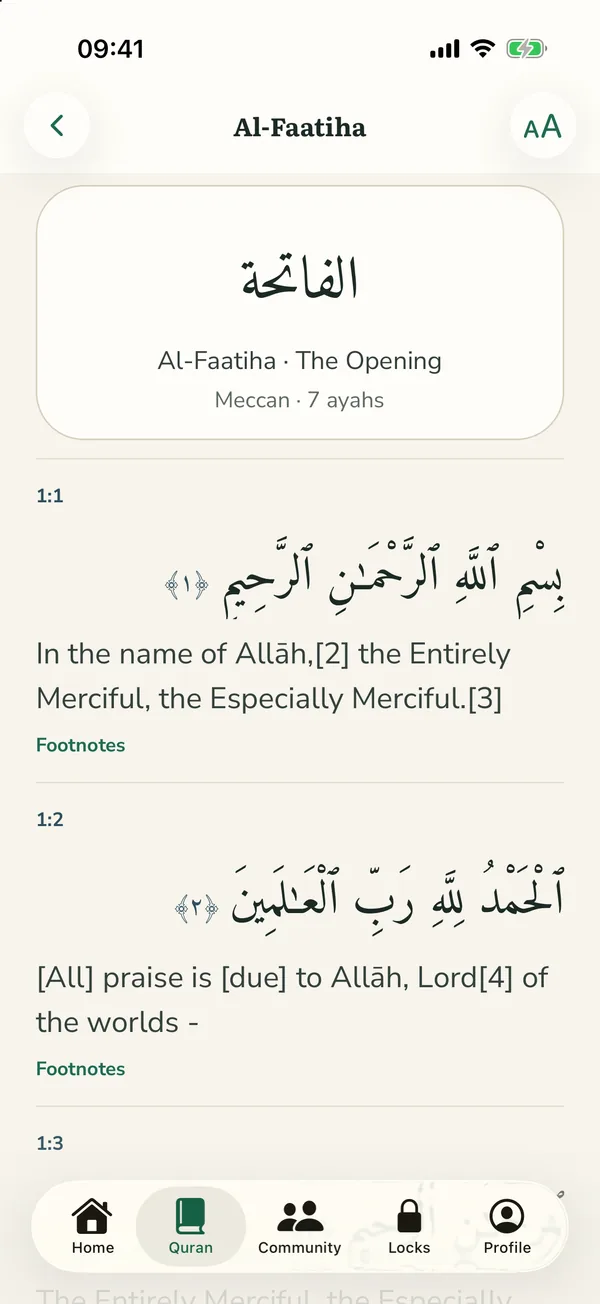
The Quran in Arabic, with a translation in your language. 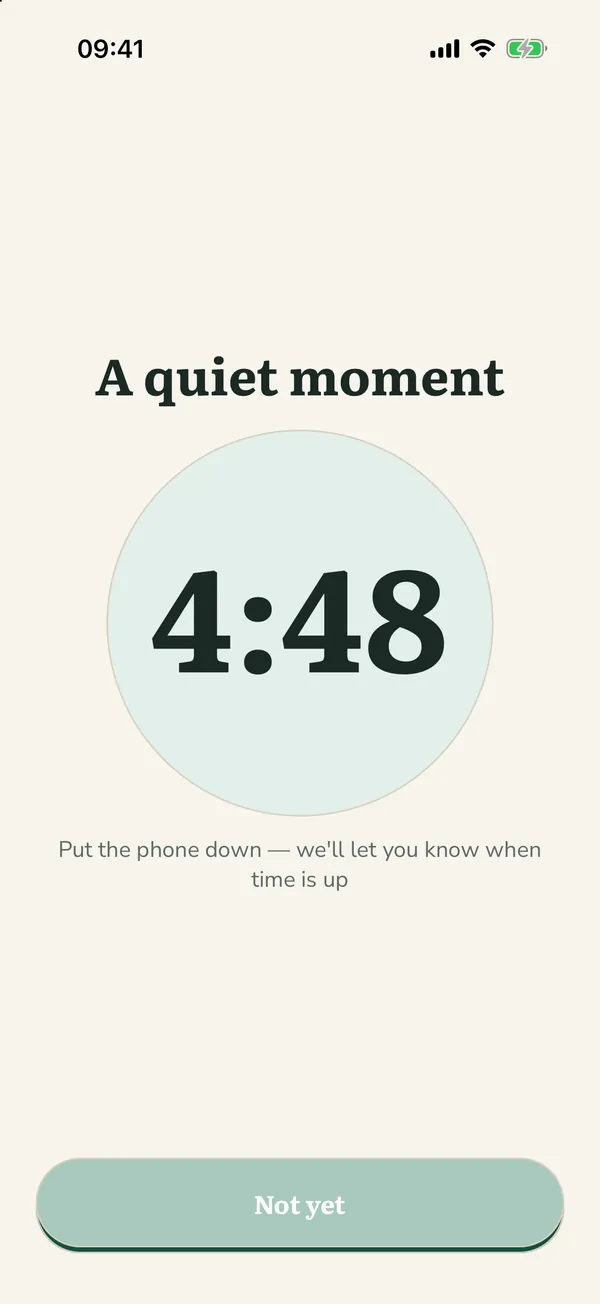
A few quiet minutes, then your apps come back. 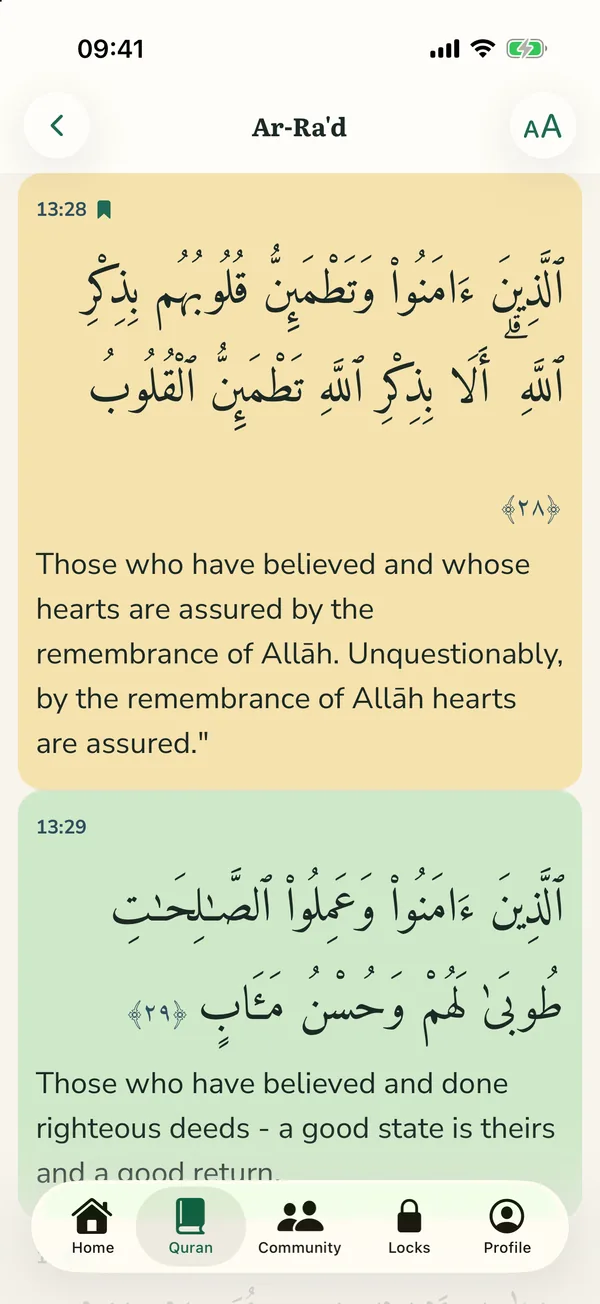
Keep the ayahs that stay with you. 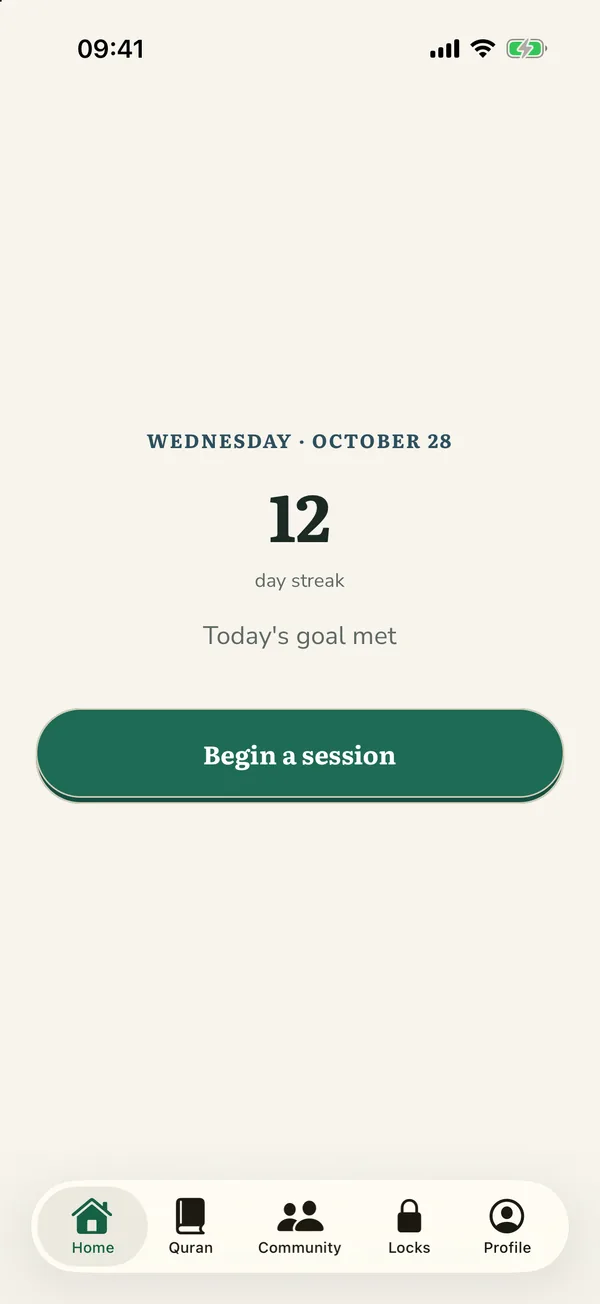
Watch the days add up.
Screens from the app. Arabic text: Tanzil Project (tanzil.net), Uthmani 1.1. Translation: English Translation - Noor International Center, version 1.1.2, QuranEnc.com.
What you get
The Quran, word for word
The Arabic text, checked against its source before every release, with a translation in your language and its footnotes. Search the Arabic or the translation.
The ayahs you keep
Bookmark an ayah, highlight it in one of five colours, write a note on it, or share it as an image. Your notes stay on your phone.
An app lock that asks for a moment
Locked apps open after a few quiet minutes, and one emergency unlock a day is there when you really need it. The lock is free and stays free.
A daily habit
A daily goal, a streak for the days you showed up, and a reminder at the time you choose.
A community dua wall
Ask others to make dua for you, and say ameen for theirs. The community is a separate place you choose to enter.
Easy on the eyes at Fajr
Light and dark, a sepia page and four text sizes, so the Quran reads well in any light.
Questions
Is Quran Shield a real app blocker?
Yes. On iPhone it uses Apple's Screen Time framework — the same system a parent uses — so a locked app will not open until you have taken the moment. For the times you genuinely need your phone straight away, there is one emergency unlock a day.
What counts as a quiet moment?
A few minutes you choose: one, three, five or ten, or any time up to thirty. Put the phone down and Quran Shield tells you when the time is up; then your apps open until midnight, or for an hour or three if you would rather they lock again sooner.
Do I need to read Arabic?
No. Every ayah has a translation in your language beside it, with its footnotes, and you can search the translation as well as the Arabic. If you do read Arabic, the translation can be turned off.
What does it cost?
The app lock is free and is never behind a subscription. Pro adds offline recitation packs, memorisation tools and a personal plan with statistics, billed through the App Store in your own currency.
Does it work on Android?
Not yet. Quran Shield is being built for iPhone and iPad first, and the Android version is still in development, not on Google Play yet. It will have the app lock too: Android has nothing like Screen Time for an app to build on, so there the lock runs on Android's accessibility settings and its “Display over other apps” permission, two switches you turn on once.
Is what I do private?
The apps you choose to lock stay on your phone; Quran Shield never receives the list. So do your bookmarks, highlights and notes. The community is a separate place you choose to enter, and you can delete your account and everything in it from inside the app or from this website.
Take the moment back
Choose your apps. Choose your times. Read before you scroll.
coming soon to the app store and google play
The app isn't in the stores yet — coming soon.